
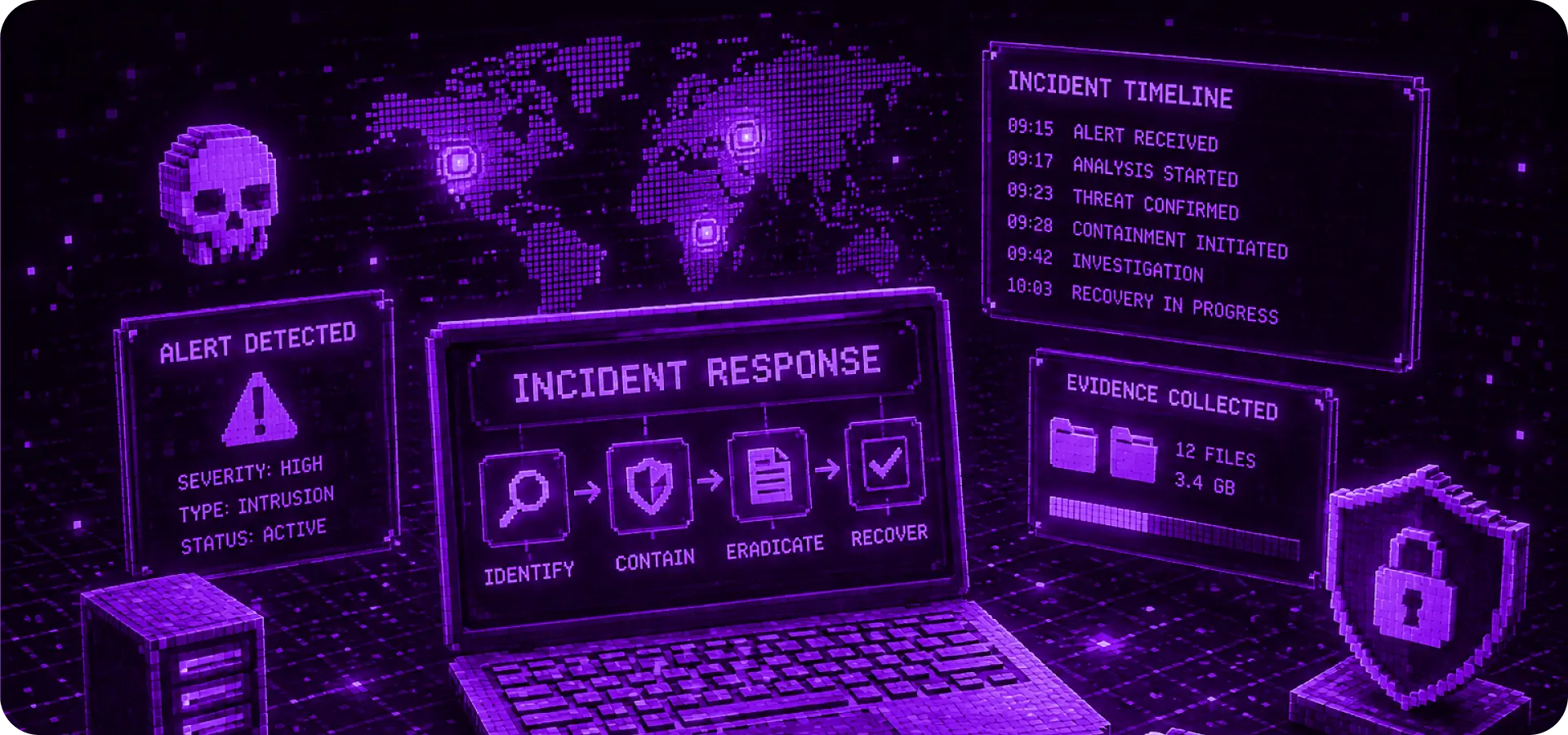
A suspected cyberattack is a situation where speed and the correct sequence of actions are critical. Panic, random shutdown of systems or deletion of files can complicate the investigation and increase the impact of the incident.
The main task of the business in the first hours is not to "solve everything at once", but to localize the threat, preserve evidence, limit the spread of the attack and involve specialists for analysis.
What are the signs of a cyber attack?
Not every technical problem is an attack, but there are signals that should not be ignored.
Typical signs of an incident:
- sudden blocking of access to accounts;
- unusual logins from new countries or devices;
- mass authorization errors;
- slow operation of servers or the site;
- unknown processes on servers;
- changes in files or configurations;
- suspicious letters from employees;
- customer complaints about strange service behavior;
- ransom demand or data encryption notification.
If several such signs appear at the same time, it is worth considering the situation as a potential incident.
What can not be done in the first minutes
The most common mistake is to act chaotically. For example, completely shut down servers, delete suspicious files, or independently "clean" the system without recording evidence.
Don't:
- delete event logs;
- restart files;
- reinstall the system without analysis;
- change everything at once without documentation;
- publicly comment on the incident without verified facts;
- use compromised communication channels.
The correct response begins with fixing the situation and controlling the changes.
Step 1: Record suspicious activity
The first step is to gather basic information. This will help you understand what happened, when it started, and which systems may be affected.
What you need to record:
- problem detection time;
- who noticed the incident;
- which systems are behaving suspiciously;
- which accounts may have been compromised;
- what messages, errors or logs were seen;
- what actions the team has already taken.
Even a simple document with a chronology of events can be of great help during an investigation.
Step 2: Isolate affected systems
If a specific computer, server, or account is suspected to be compromised, it should be isolated to reduce the risk of the attack spreading.
Possible actions:
- disconnect the device from the network;
- temporarily limit access to the service;
- block a suspicious account;
- revoke active sessions;
- change access keys;
- restrict VPN or RDP access.
Important: Isolation does not mean destruction of evidence. The task is to stop the spread, but save the material for analysis.
Step 3: Save the evidence
Evidence is needed to understand the cause of the incident, the extent of the attack, and further strengthen defenses.
It is worth saving:
- system logs;
- login logs;
- firewall/VPN events;
- copies of suspicious files;
- email headers of phishing emails;
- screenshots of messages;
- list of changed files;
- information about IP addresses and devices.
Without evidence, the team may treat the symptoms but not understand exactly how the attack happened.
Step 4: Check access and accounts
Many attacks begin with account compromise. Therefore, it is important to quickly check access to critical systems.
What to check:
- administrator accounts;
- mailboxes;
- VPN users;
- accounts in CRM;
- access to cloud services;
- API keys;
- SSH/RDP accesses;
- contractors and temporary accounts.
If there is a risk of compromise, passwords should be changed, MFA should be enabled, and old sessions should be revoked.
Step 5: Assess the scope of the incident
After localization, it is important to understand exactly what happened.
You need to answer the following questions:
- how the attacker gained access;
- which systems were affected;
- whether data was stolen;
- are there traces of lateral movement;
- whether there are any backdoors or hidden accesses;
- whether customers were affected;
- whether to notify partners or the regulator.
The assessment of scale allows you to make the right business decisions and not to miss residual risks.
Step 6: Restore and strengthen protection
After the investigation, it is necessary not only to resume work, but to close the cause of the incident.
Typical actions after an attack:
- patching vulnerabilities;
- server and application updates;
- changing passwords and keys;
- viewing access rights;
- MFA settings;
- firewall/VPN strengthening;
- backup check;
- implementation of monitoring;
- retesting after corrections.
Recovery without increased protection creates the risk of a second attack.
How to prepare for incidents in advance
The best response to an incident is one for which the company has prepared in advance.
A business should have:
- incident response plan;
- list of responsible persons;
- secure communication channels;
- current backup copies;
- logging of critical systems;
- instructions for employees;
- verified contacts of external specialists;
- regular audit and security testing.
When a plan is in place, the team moves faster and makes fewer mistakes.
Conclusion
Suspecting a cyber attack is not the time to make rash decisions. The correct sequence of actions helps reduce the consequences, preserve evidence and return the business to normal operations faster.
The key principles are simple: capture, isolate, preserve evidence, assess scope, eliminate cause and strengthen defenses.